Back to School Stickers: Internet Symbols for Modern Creators
If you’ve ever scrambled to find a clean, scalable graphic that says “back to school” without looking like clip art from the 90s, you’re not alone. The Back to School Stickers Internet Symbol pack fills that gap with purpose-built icons that feel contemporary and work across nearly every platform or medium. Whether you need a quick visual for a social post, a cut file for a physical sticker, or a layered vector for a brand campaign, this set delivers consistent quality without the usual design friction.
Why This Pack Stands Apart
What makes this collection more than a simple icon bundle is the combination of versatility and production-ready specs. Each design is delivered in six formats — AI, EPS, SVG, DXF, JPG, and PNG — with a uniform canvas size of 1920 pixels by 1280 pixels. That consistency saves time when you’re building assets for different outputs. The vector files (AI, EPS, SVG) let you change colors, resize infinitely, and tweak individual elements in software like Adobe Illustrator or Affinity Designer. The DXF format opens up physical crafting workflows, while the high-resolution PNG and JPG work immediately in web layouts and presentations. This means you can take a single icon from a digital newsletter to a die-cut sticker without rebuilding anything from scratch.
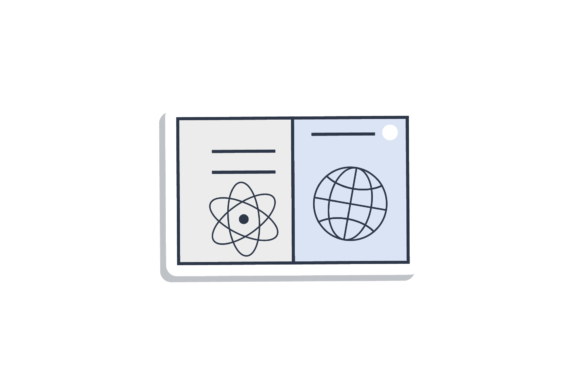
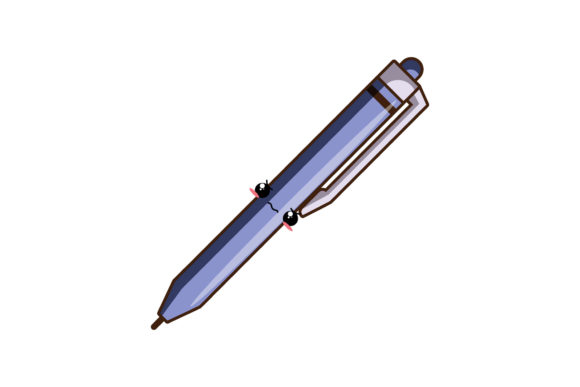
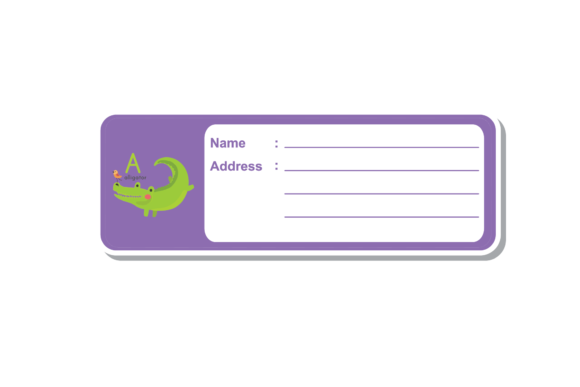
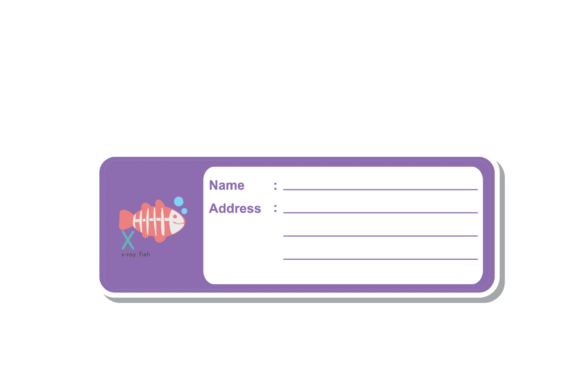
The subject matter leans into familiar school symbols — pencils, apples, buses, globes, rulers, books — but rendered with a clean, internet-friendly aesthetic. They feel at home both on a classroom handout and in a modern brand toolkit. That duality is rare and gives the pack a longer shelf life than seasonal clip art.
Educators and School Staff
Teachers can import the SVG or PNG files directly into classroom newsletters, behavior charts, or digital assignments. The 1920 px width matches standard presentation slide dimensions, so you can drop a sticker onto a Google Slide or PowerPoint without awkward scaling. For physical rewards, the DXF files work with Cricut or Silhouette machines to produce cut stickers for student planners or incentive boards. The symbols are immediately recognizable to kids and parents alike, which speeds up visual communication.
Content Creators and Social Media Managers
If you run an education-focused blog, a parenting channel, or a teacher Instagram account, the PNG files are ready to use in stories, posts, and thumbnails. Since the canvas is wide, you have room to crop or position the sticker within standard social dimensions. The vector formats let you match your brand’s exact color palette — maybe swapping a default red apple for your signature teal — in under a minute. This kind of editability keeps your visual identity consistent without requiring advanced design skills.
Small Business Owners and Entrepreneurs
Selling school supply finds? Launching a “learn to code” course? Running a tutoring service? These stickers can become badges, icon sets, or product graphics. You can use the EPS file as a starting point for logo variations, or combine multiple icons into a composite infographic. Because the pack includes both raster and vector versions, you can print the same apple on a T-shirt (using the DXF or SVG for separation) and use it as a favicon on your website (exporting from the PNG). That kind of leverage makes the pack cost-efficient for startups and freelancers who need visual assets but don’t have a full design budget.
Hobbyists and DIY Enthusiasts
For anyone who enjoys paper crafting, scrapbooking, or vinyl cutting, the DXF and SVG files are the star players. You can resize the stickers to any scale — from a tiny notebook tab to a large wall decal — without losing line clarity. The internet-symbol style means they mix well with modern decorative fonts and minimalist layouts, so your finished project looks intentional rather than thrown together.
Tangible Benefits Beyond the Graphics
Having access to six file formats isn’t just about flexibility — it directly affects your workflow speed. When you need a PNG for a quick upload, you don’t waste time exporting from a vector program. When you need a cut file for a prototype, you don’t have to trace a bitmap. That format readiness reduces decision fatigue and keeps projects moving. The 1920 x 1280 canvas also eliminates guesswork: you know every icon has the same base dimensions, so combining them into a collage or grid is straightforward.
Another often-overlooked advantage is the editability of the vector layers. Because the AI and EPS files are structured with separate shapes and paths, you can remove elements, change stroke weights, or group icons together. For example, you could take the pencil icon, remove the eraser, add a custom monogram in its place, and have a unique branding element. This level of control is usually reserved for custom illustrations, but here it’s baked into the product.
From a communication standpoint, back-to-school symbols carry immediate emotional weight — nostalgia, learning, growth, new beginnings. Using them in your materials, whether for a classroom or a commercial campaign, helps you tap into that shared association without lengthy explanations. The internet-symbol styling keeps the imagery light and accessible, which is especially useful when your audience includes both children and adults.
Choose Your Format Based on Your Output
If your project ends up on a screen — social media, websites, presentations — go with PNG or JPG. The PNG preserves transparency, which is essential for overlaying on colored backgrounds. For print or physical production, vector formats (SVG, DXF, EPS) give you control over scaling and color separation. If you’re handing files to a print shop, EPS is often the safest choice because it’s widely supported. For personal cutting machines, DXF or SVG are the standard. Knowing these distinctions upfront saves you from needing to convert formats later.
Edit Before You Scale
When you open the AI or EPS file in a vector editor, resist the urge to scale immediately. First, ungroup and examine the layers — you’ll often find that colors are set globally, so you can change the entire palette with a single click. Once your colors are locked in, scale to your target size. This approach preserves stroke consistency and prevents weird aliasing issues.
Test the Cut Settings for Physical Stickers
If you’re using a DXF file for a Cricut or Silhouette, test a small cut first on cheap material. Some sticker designs have thin lines that may require a slightly slower cut speed or lower pressure. Adjust our machine’s settings accordingly. The same applies if you’re printing the PNG onto sticker paper and cutting manually — use the JPG as a guide for bleed margins if needed.
Combine Icons for Richer Visuals
Don’t feel limited to using each sticker in isolation. Because they share the same canvas size, layering two or three icons together creates a compact emblem. For example, stack a book icon over an apple, then add a star icon in the upper corner — you’ve just made a custom badge for a reading challenge. The consistency in proportions makes these composites look cohesive without extra cropping.
Who Benefits Most From This Set
This pack hits a sweet spot for a wide range of users. Freelance designers will appreciate the clean vector geometry and full format suite, which saves hours of icon creation time. Teachers and homeschooling parents get a ready-to-use visual language that works both digitally and physically. Marketers running back-to-school campaigns can iterate quickly because the assets are already production-ready. Even if you rarely open a design tool, the PNG files alone give you a reliable stash of high-resolution graphics you can pull into any document.
The Back to School Stickers Internet Symbol pack acknowledges that modern projects rarely stay in one medium. You might start a design on your laptop, send it to your phone for a social post, then later decide to cut vinyl letters for a bulletin board. Having a single source that supports all those paths — without degradation or extra legwork — transforms a simple set of icons into a genuine productivity tool.
When you evaluate any digital asset pack, look beyond how the files appear in preview. Ask whether the formats match your real workflow, whether the canvas size reduces your editing time, and whether the symbols carry enough visual weight to communicate at a glance. This collection checks those boxes with room to spare, and that’s what makes it a practical investment for anyone who communicates with images in the education, creative, or entrepreneurial space.