Back to School Character Student Outline for Creators
What Exactly Is This Digital Design Set?
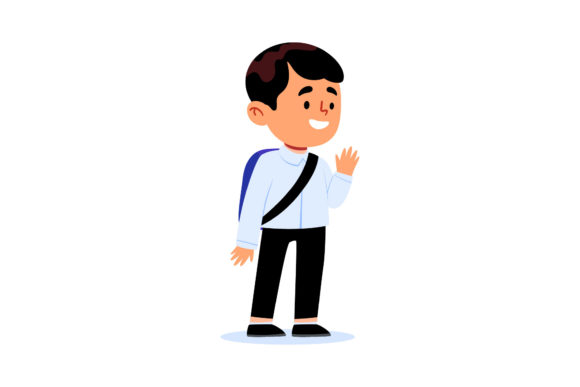
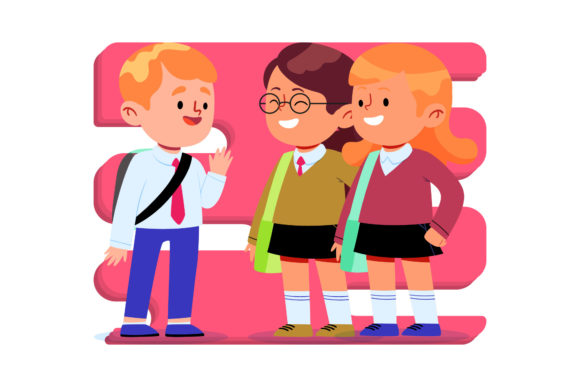
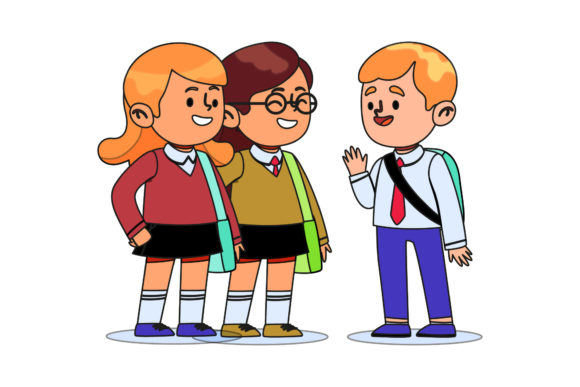
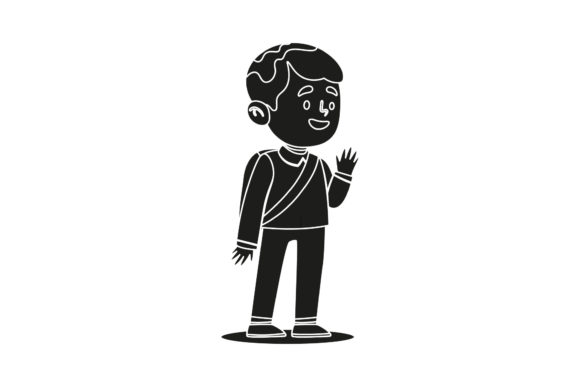
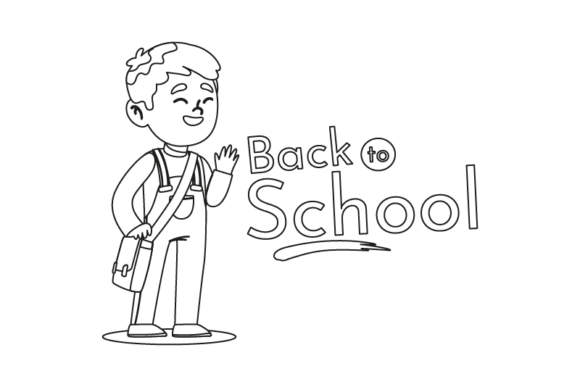
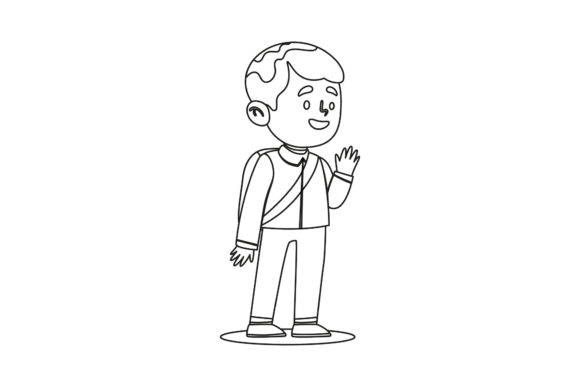
A Back to School Character Student Outline is a versatile digital design file built around a clean, illustrated student character theme perfect for fall classroom and school season projects. The set includes six individual files, each formatted for different software and use cases, all sharing the same 1920 by 1280 pixel canvas size. You receive an AI file for Adobe Illustrator, an EPS file for vector editing, an SVG for web and cutting machine projects, a DXF for CAD and crafting software, plus a JPG and PNG for quick, no-fuss use. The outlines are intentionally designed to be easy to edit, color, resize, and adapt so you can make them your own rather than being stuck with a single locked image.
This type of graphic resource is especially valuable when you need a recognizable, fun character that fits the back to school theme without starting your illustration from scratch. It gives you a solid foundation so you can focus on adding your personal flair, branding, or specific messaging. Whether you run a small business selling educational materials or you are a teacher creating classroom decorations, having editable vector files saves time and expands what you can do creatively.
Who Benefits From Using These Outline Files
This product appeals broadly to anyone who creates visual content for school-related projects. Freelance designers often appreciate the vector formats because they can open them directly in professional software and adjust every anchor point. Bloggers and social media marketers covering topics like parenting, education, or teaching resources can use the PNG and JPG versions as featured images or graphics in their posts. Small business owners who sell printable worksheets, stickers, planners, or classroom decor will find the SVG and DXF formats especially useful for cutting machines like Cricut or Silhouette. Educators themselves can also use the files to create custom handouts, bulletin board cutouts, or classroom signs without needing advanced design skills.
A beginner who has never worked with vector files before can start with the PNG or JPG for simple uses like adding text around the character or printing it out. As their confidence grows, they can explore editing the SVG or AI file to change colors, remove elements, or combine the character with other graphics. The product meets you where you are, whether you are just getting started or you are a seasoned professional looking for a reliable base illustration.
Where You Can Use a Back to School Character Student Outline
Practical applications are wide and varied. Here are some realistic scenarios where this design fits naturally into your workflow or creative projects.
Classroom and Educational Materials
Teachers can incorporate the character into welcome letters, name tags, desk labels, behavior charts, or daily schedules. The clean outline style prints well on standard printers and looks crisp on colored paper. You can enlarge the character for a classroom poster or shrink it down for a small sticker label. Because it is an outline, it also works perfectly as a coloring page for students on the first day of school, giving them a simple, engaging activity that sets a positive tone.
Small Business Products
If you sell on platforms like Etsy, Teachers Pay Teachers, or Creative Market, this character can become the centerpiece of your product listings. Use it on cover pages for planner inserts, homework trackers, or reading logs. Create custom stickers featuring the character with motivational phrases. Design a limited series of tote bags, pencil pouches, or notebook covers that feature the outline as part of a school-themed collection. The vector formats allow you to scale the character up for large prints without losing quality, which is essential for merchandise.
Blog and Social Media Content
Marketers and bloggers covering back to school topics can use the character as a visual anchor. Place it next to a checklist of school supplies, embed it in a graphic about establishing routines, or make it the face of an email newsletter header. The consistent canvas size means you know exactly how the file will fit in your design templates. Over a series of posts, using the same character builds visual recognition with your audience and ties your content together thematically.
Personal and Family Projects
Parents can use the outline to create fun signs for their children on the first day of school. Print it on a large poster board, have the child color it in, and add a chalkboard area for the grade and year. You could also create custom lunchbox notes, reward charts, or a countdown calendar leading up to the first day. Because the files are digital, you can reuse them year after year with minor edits to the text or colors.
Important Things to Consider Before Using This Product
Knowing what you are getting and how to work with each file format will save you frustration later. While the product is beginner-friendly, there are a few practical points worth understanding up front.
File format compatibility matters. Not every program opens every format. The AI file requires Adobe Illustrator or a compatible vector application. The EPS format is more universal but still works best in professional vector editors. SVG files open in web browsers, Canva (in some cases), Inkscape, Adobe Illustrator, and many cutting machine programs. DXF is a CAD format that also works in Silhouette Studio and some cutting software. JPG and PNG are your universal fallbacks that any image viewer can handle. Before purchasing, check which software you have available and start with the format that matches your skill level.
Editing requires basic knowledge. Opening the SVG or AI file and changing a color is straightforward if you have done it once before. If you are brand new to vector editing, you may need to watch a short tutorial or experiment with the file in free software like Inkscape or Gravit Designer. The product description emphasizes that the design is easy to edit, which is true, but ease depends on your familiarity with the tools. Start with a simple edit like recoloring the character's outfit before you attempt more complex modifications.
Canvas size is fixed at 1920 by 1280 pixels. That aspect ratio works well for social media graphics, presentation slides, and many printable formats. However, if your project requires a square, portrait orientation, or a much larger print size, be prepared to scale and crop the design. The vector files (AI, EPS, SVG) are resolution independent, so you can scale them up or down without pixelation. The raster files (JPG and PNG) will lose quality if you enlarge them significantly beyond their original dimensions.
Commercial use terms vary by seller. Even though the product description does not explicitly spell out a license, it is your responsibility to confirm how you may use the files. If you plan to sell products that include this character, you likely need a commercial license. Many digital products on marketplaces have standard restrictions like not reselling the raw files as your own or not using them in trademarked branding. Always read the full product listing or contact the seller to clarify usage rights before you start selling items based on the design.
Think about the style and audience. The outline character has a specific look that may or may not fit every brand or project. Review the example images carefully to ensure the art style matches your vision. If you need a more modern, detailed, or diverse representation, this particular outline may require edits or customization. The outline approach is intentionally simple, which is an advantage for many uses, but it is good to confirm it aligns with your aesthetic expectations.
Getting the Most Value From These Files
To fully leverage this design, think beyond one-time use. Because you receive multiple formats, you can adapt the character for different purposes across your personal and professional life. Use the SVG in your cutting machine to produce vinyl decals for a water bottle or laptop. Repurpose the AI file to build a full school-themed brand kit with custom colors and typography. The PNG works great for quick mockups or sharing with clients who do not have design software. Having all six formats in one purchase means you are covered no matter which device or application you use down the road.
Another approach is to combine this character with other design elements over time. Build a library of back to school graphics by adding background patterns, speech bubbles, or themed icons around the student outline. Each year you can refresh the colors or add new details without needing to create a new character from scratch. This turns a single purchase into a long-term asset that keeps your content consistent and recognizable season after season.
Final Thoughts on This Creative Resource
A Back to School Character Student Outline is more than a simple drawing. It is a flexible building block for anyone who communicates visually during the school season. Whether you are a teacher brightening your classroom, a parent creating something special for your child, a business owner expanding your product line, or a marketer engaging your audience, having an editable, multi-format design in your toolkit removes a common creative barrier. You do not need to be an illustrator to produce polished materials. You just need a solid starting point and the willingness to adapt it to your needs.
Take a few minutes after downloading to open each format and see how your preferred software handles it. Experiment with color, scale, and composition. That small investment in familiarization will unlock the full potential of the product and make every project you use it in easier and more enjoyable.